
Cable TV remains one of the most reliable and widely used television services in many households. Despite the growth of streaming platforms and digital entertainment options, cable television continues to provide consistent access to live news, sports events, local channels, and family entertainment.
For many people, cable TV offers stability and ease of use that internet-based services sometimes cannot match.
Setting up cable TV at home may appear complicated, especially for first-time users. The process involves selecting a service provider, installing the necessary equipment, connecting cables properly, and activating television services. Without proper guidance, users may face installation issues or poor signal quality.
Learning how to Set Up Cable TV at Home helps homeowners create a reliable entertainment system while avoiding common setup mistakes.
This guide explains everything beginners need to know, including required equipment, installation steps, troubleshooting tips, and maintenance suggestions for long-term cable TV performance.
Understanding How Cable TV Works
Before learning how to set up cable TV at home, it is helpful to understand how cable television delivers content.
Cable TV providers transmit television signals through coaxial or fiber-optic cables that connect directly to homes. These cables carry channel signals from broadcast stations to a set-top box or cable receiver installed inside the home.
The set-top box decodes incoming signals and sends video and audio content to the television. Cable TV services do not rely heavily on internet connectivity, which makes them stable and reliable for live broadcasting.
Equipment Needed to Set Up Cable TV at Home
Proper installation begins with gathering the necessary equipment. Most cable providers supply essential hardware, but understanding each component helps users manage the setup process effectively.
Cable Set-Top Box
The set-top box acts as the main device that converts cable signals into television content. It also allows users to change channels, access program guides, and use additional features such as DVR recording.
Coaxial Cable
The coaxial cable connects the cable service line to the set-top box. This cable transmits television signals from the provider’s network to the receiver.
HDMI or AV Cable
HDMI cables connect the set-top box to the television, providing high-quality video and audio output. Older televisions may use AV cables instead of HDMI.
Remote Control
The remote control allows users to operate the cable box and navigate channel menus.
Cable Wall Outlet
The cable wall outlet connects the home to the cable provider’s external service line. This outlet serves as the main entry point for cable signals.
How to Set Up Cable TV at Home (Step-by-Step Guide)
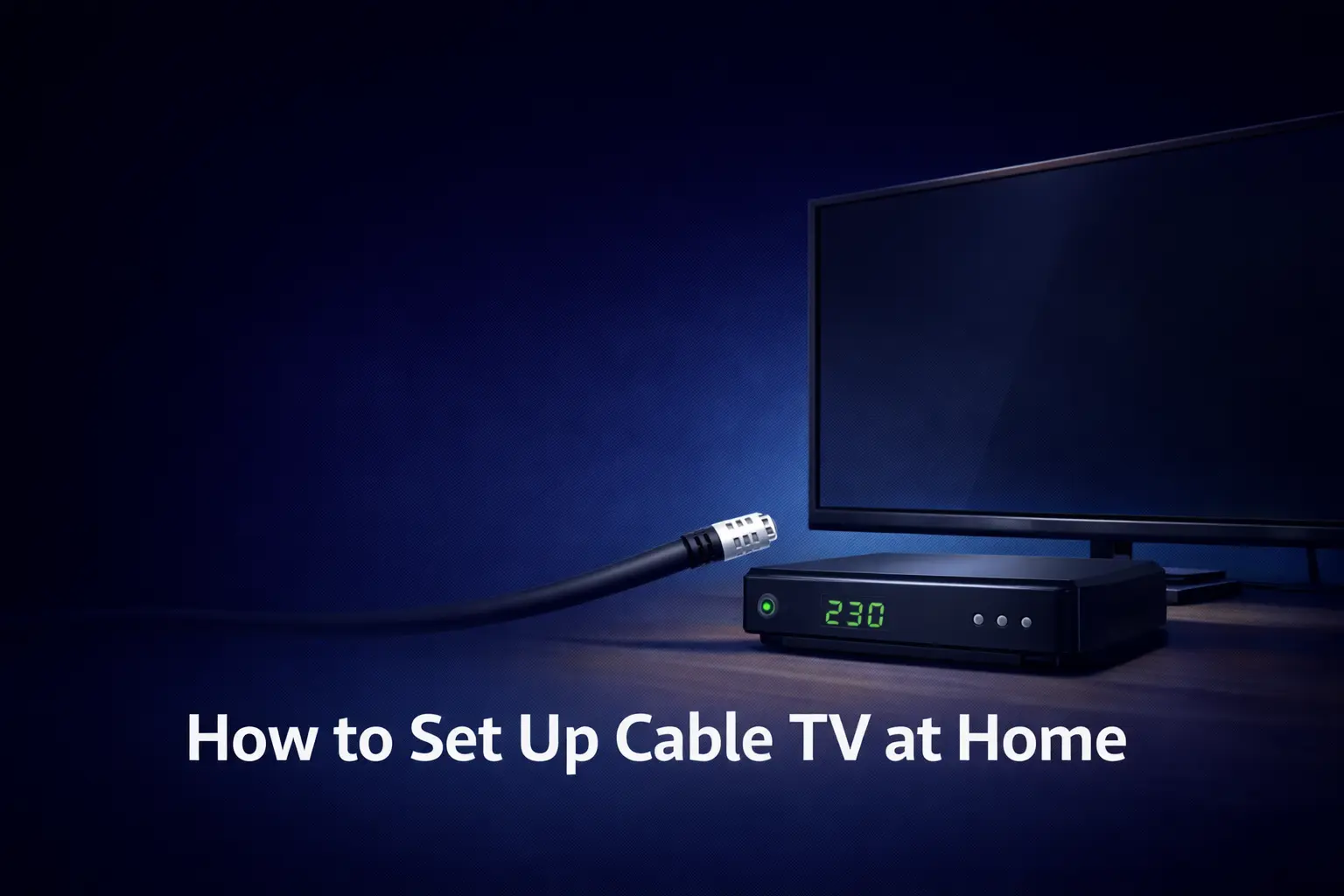
Setting up cable TV at home may seem complicated, especially for beginners who are installing television services for the first time.
The process involves connecting cables, configuring equipment, activating services, and adjusting viewing settings. Without proper guidance, users may experience signal problems, missing channels, or poor picture quality.
Understanding the correct installation steps helps homeowners set up cable television safely and efficiently. Following a structured setup process also ensures stable channel access and reduces the need for repeated troubleshooting.
Whether you are installing cable TV independently or using a provider’s installation kit, learning each step carefully makes the process easier.
The following step-by-step instructions explain how to set up cable TV at home properly, from choosing the right provider to maintaining equipment for long-term performance.
Step 1: Choose the Right Cable TV Provider
The first step in learning how to set up cable TV at home is selecting a reliable cable service provider. Different providers offer varying channel packages, pricing plans, and installation services.
When choosing a provider, users should compare channel availability, service reliability, customer support quality, and contract terms. Selecting a provider that offers essential channels and stable service ensures long-term satisfaction.
Step 2: Schedule Cable Installation or Self-Setup
Most cable providers offer professional installation services. Technicians install cables, configure equipment, and test signal quality. Professional installation is recommended for homes without existing cable connections.
Some providers also offer self-installation kits that allow users to set up cable TV independently. Self-installation is often faster and may reduce installation fees, but it requires careful attention to connection instructions.
Step 3: Connect the Cable Service Line to the Set-Top Box
After receiving the installation equipment, the next step is connecting the cable service line.
Users should locate the cable wall outlet and attach the coaxial cable securely to the outlet. The other end of the coaxial cable should be connected to the input port on the set-top box. Tightening the cable connection ensures stable signal transmission.
Proper cable attachment is essential for preventing signal interruptions and picture quality issues.
Step 4: Connect the Set-Top Box to the Television
Once the cable signal is connected to the receiver, users should connect the set-top box to the television.
HDMI cables are commonly used because they provide high-definition picture and sound quality. The HDMI cable should be inserted into the HDMI output port on the cable box and the HDMI input port on the television.
After connecting the cable, users should switch the TV input source to the correct HDMI channel to display cable TV content.
Step 5: Power On Devices and Activate the Cable Service
After connecting all cables, users should plug in the power cords for both the set-top box and television. Turning on the devices will start the cable receiver initialization process.
Most cable providers require service activation through an on-screen setup menu or customer support verification. Activation ensures that the cable box is connected to the provider’s network and ready to receive channel signals.
Step 6: Configure Channel Settings and Preferences
After activation, users can configure channel settings and viewing preferences. Many cable boxes allow users to organize favorite channels, enable parental controls, and adjust display settings.
Configuring these settings improves the overall viewing experience and allows households to customize entertainment options according to their needs.
Step 7: Test Signal Strength and Channel Availability
Testing signal strength is an important part of learning how to set up cable TV at home. Users should check multiple channels to ensure a clear picture quality and stable audio output.
If channels appear distorted or unavailable, users should verify cable connections or contact the service provider for assistance.
Common Cable TV Installation Problems and Solutions
Even with proper installation, users may experience occasional technical issues.
Loose cable connections can cause signal loss or picture distortion. Ensuring tight cable connections often resolves these problems.
Incorrect input selection on televisions may prevent cable signals from appearing. Users should confirm that the TV input matches the connected HDMI or AV port.
Power interruptions or receiver malfunctions may require restarting the cable box.
Tips for Improving Cable TV Signal Quality
Maintaining a strong cable TV signal quality improves long-term performance and ensures uninterrupted entertainment.
Poor signal quality can lead to blurry pictures, distorted audio, or missing channels, which can reduce the overall viewing experience.
Users should avoid bending, twisting, or damaging coaxial cables because physical damage can weaken signal transmission.
Placing the set-top box in a well-ventilated area helps prevent overheating, which can sometimes affect device performance.
It is also important to keep cable connections tight and secure, as loose connections often cause signal interruptions.
Keeping cables away from moisture and extreme heat can help maintain signal stability. Periodically checking signal strength through the cable box settings allows users to identify potential issues early.
Regular monitoring and proper cable placement can significantly improve viewing quality and reduce technical problems over time.
Adding DVR and Recording Features
Many cable providers offer DVR services that allow users to record television programs and watch them later at their convenience.
DVR features are especially useful for households with busy schedules, as they allow viewers to save live shows, sports events, and movies for future viewing.
Learning how to set up DVR recording settings helps users maximize cable TV functionality. Most DVR systems allow users to schedule recordings, pause live television, and store multiple programs at once.
Some advanced DVR services also offer cloud recording options that allow users to access saved programs from different devices.
Users should check storage capacity and recording limits before using DVR services. Managing recorded programs by deleting watched content helps maintain storage availability.
Using DVR features properly improves viewing flexibility and ensures that users never miss their favorite shows.
Setting Up Cable TV on Multiple Televisions
Households with multiple televisions often require additional cable boxes or signal splitters to access cable TV in different rooms.
Many cable providers offer multi-room viewing packages that allow users to connect cable TV to several televisions within the same home.
Using signal splitters allows one cable connection to distribute signals to multiple TVs, but improper installation can reduce signal strength.
Professional installation is often recommended for multi-room setups to ensure stable signal distribution and consistent viewing quality.
Some cable providers also offer wireless receiver options that reduce the need for additional wiring. Before setting up cable TV on multiple televisions, users should confirm compatibility with their service provider. Proper setup ensures smooth viewing across all rooms and prevents channel interruptions or signal loss.
Safety Tips When Installing Cable TV
Safety should always be considered during cable TV installation to prevent electrical hazards and equipment damage.
Users should avoid handling exposed wires and ensure that all power connections remain dry and secure. Working with electrical outlets requires caution, especially in areas with moisture or water exposure.
Users should unplug equipment before connecting or adjusting cables to reduce the risk of electrical shock. Cable wires should be placed in safe locations where they do not create tripping hazards or become damaged by furniture or heavy objects.
Professional installation is recommended for complex wiring setups or wall drilling requirements. Technicians are trained to handle installation safely and ensure that cables are properly secured.
Following safety guidelines helps protect both equipment and household members during installation.
Cost Considerations When Setting Up Cable TV
Cable TV installation may involve several expenses, including equipment rental fees, installation charges, and monthly subscription costs.
Understanding total installation costs helps users choose affordable cable TV plans without unexpected financial pressure.
Some cable providers charge additional fees for DVR services, premium channels, or multi-room viewing setups.
Comparing package pricing and equipment options allows users to select plans that match their entertainment needs and budget.
Bundled cable and internet packages may provide cost savings for households that require both services. Users should review promotional offers carefully and confirm long-term pricing after promotional periods end.
Evaluating total costs before subscribing helps prevent hidden charges and ensures better financial planning.
Maintaining Cable TV Equipment
Regular equipment maintenance helps extend cable TV performance and reduce service interruptions. Dust and dirt accumulation can affect remote controls and cable box ventilation, so cleaning equipment periodically improves functionality.
Users should check cable connections regularly to ensure they remain tight and secure. Restarting cable receivers occasionally helps refresh system performance and resolve minor technical issues. Keeping the set-top box in a well-ventilated location prevents overheating and improves device lifespan.
Updating cable box software when available helps maintain system stability and improves channel navigation features.
Proper equipment care not only improves viewing quality but also reduces the need for frequent technical repairs or replacements.
Advantages of Setting Up Cable TV at Home
Cable TV offers reliable live broadcasting, local channel access, and consistent signal quality. It remains one of the most user-friendly television options, especially for families and seniors who prefer scheduled programming and easy-to-use navigation.
Cable TV provides access to regional sports networks, community programming, and local news channels that may not always be available through streaming services.
Unlike streaming platforms, cable TV is less dependent on internet speed, which makes it a stable entertainment option for households with limited internet connectivity.
Another advantage of cable TV is its wide variety of channels, including news, movies, educational programs, and family entertainment. Cable TV continues to be a practical choice for households that prefer traditional television viewing with minimal technical complications.
Is Cable TV Still Worth Setting Up Today?
Despite the growth of streaming platforms, cable TV continues to offer reliable entertainment options. Many households use cable TV alongside streaming services to balance live broadcasts with the flexibility of on-demand viewing.
Understanding how to set up cable TV at home allows users to combine traditional television with modern entertainment systems.
Conclusion
Learning how to Set Up Cable TV at Home helps users create reliable and high-quality television entertainment systems.
By selecting the right provider, installing equipment properly, and maintaining cable connections, homeowners can enjoy stable access to live programming and entertainment content.
Cable TV remains a valuable option for households seeking consistent broadcasting, easy navigation, and access to local and national television channels.
With proper installation and maintenance, cable TV continues to provide dependable entertainment for modern homes.
Frequently Asked Questions
Q. Do I need internet to set up cable TV?
Ans: Cable TV works independently of internet services, although some advanced features may require internet connectivity.
Q. Can I install cable TV myself?
Ans: Many providers offer self-installation kits, but professional installation is recommended for homes without existing cable connections.
Q. How long does cable TV installation take?
Ans: Installation time varies depending on home wiring conditions, but most setups can be completed within a few hours.
Q. Can cable TV be used on multiple TVs?
Ans: Yes, households can connect cable TV to multiple televisions using additional cable boxes or signal splitters.
Read Also:
How Parental Controls Work on TV Services
How to Set Up Streaming TV on Smart TV
Best TV Packages for Families in the USA
How to Fix Common TV Signal Problems