
Streaming television has completely changed how people watch entertainment at home. Instead of relying on traditional cable or satellite services, viewers can now watch movies, live TV, sports, and shows directly through internet-based streaming apps.
Smart TVs have made this transition even easier by allowing users to access streaming platforms without additional hardware.
However, many first-time users still find it confusing to understand how streaming TV works and how to install streaming apps properly.
Setting up streaming TV on a Smart TV involves connecting the television to the internet, installing apps, creating user accounts, and adjusting streaming settings.
Without proper setup, users may face buffering issues, login problems, or poor video quality.
Learning how to set up streaming TV on Smart TV helps viewers enjoy flexible entertainment while avoiding common technical mistakes.
This guide explains everything beginners need to know, including step-by-step setup instructions, troubleshooting tips, and performance improvement suggestions.
Understanding How Streaming TV Works
Before learning how to set up streaming TV on a Smart TV, it is important to understand how streaming television functions.
Unlike cable TV, streaming TV delivers content over internet connections rather than broadcast signals or satellite transmission.
Streaming platforms store television shows, movies, and live content on online servers. When users select content through an app, the Smart TV downloads and plays the video through the internet. This allows viewers to watch content on demand or access live channels, depending on the streaming service.
Because streaming TV relies on internet speed and stability, a reliable internet connection is essential for smooth viewing.
Equipment Needed to Set Up Streaming TV on Smart TV
Setting up streaming TV requires minimal equipment, but understanding each component helps users complete the setup process successfully.
Smart TV with Streaming Support
Most modern Smart TVs come with built-in streaming app support. Users should verify that their television supports popular streaming platforms before installation.
Stable Internet Connection
Streaming TV requires high-speed internet for smooth video playback. A stable Wi-Fi or wired internet connection ensures uninterrupted streaming.
Streaming Service Accounts
Users need active accounts for the streaming platforms they want to access. Each streaming service requires login credentials for activation.
Remote Control or Smart TV Navigation Device
The remote control allows users to navigate app menus, search for content, and adjust streaming settings.
Step-by-Step Guide to Set Up Streaming TV on Smart TV
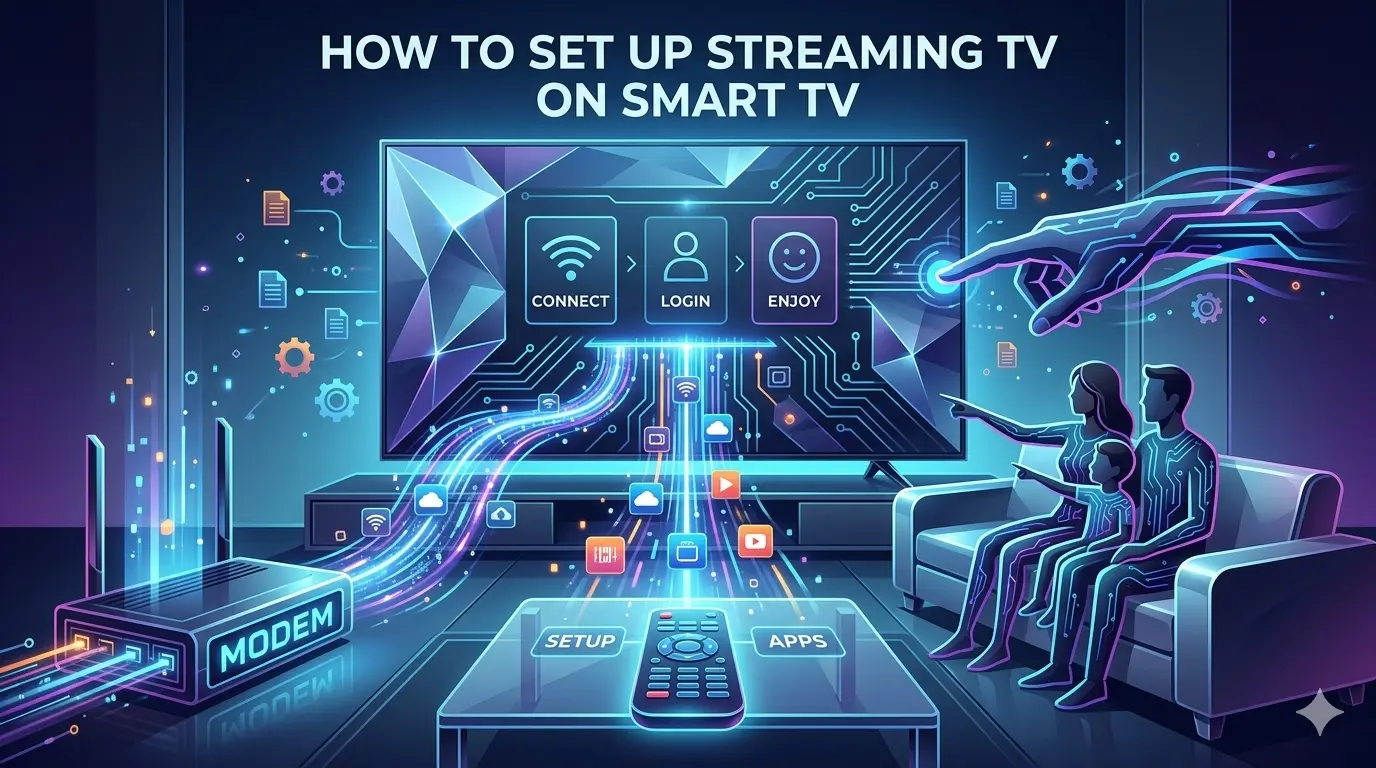
Setting up streaming TV on a Smart TV is usually simple, but following the correct order of steps helps avoid technical issues and improves overall streaming performance.
Many users try to install streaming apps without properly connecting their TV to the internet or updating device software, which often leads to buffering problems or app errors.
A structured setup process ensures that streaming services work smoothly and deliver high-quality video and audio output.
Understanding the installation process also helps users customize their viewing experience according to personal preferences.
From connecting the Smart TV to a stable internet network to organizing streaming apps and creating user profiles, each step plays an important role in improving convenience and accessibility.
Proper setup also helps users manage parental controls, playback quality, and content recommendations more effectively.
The following steps explain how to set up streaming TV on a Smart TV correctly. These instructions are designed for beginners and provide practical guidance that makes the installation process easier, faster, and more reliable for everyday streaming use.
Step 1: Connect Your Smart TV to the Internet
The first step in learning how to set up streaming TV on a Smart TV is connecting the television to the internet. Users can connect through Wi-Fi or an Ethernet cable, depending on their home network setup.
To connect through Wi-Fi, users should open the TV settings menu, select network options, and choose their home Wi-Fi network. Entering the correct password completes the connection. Wired Ethernet connections often provide more stable internet performance and are recommended for consistent streaming quality.
Step 2: Update Smart TV Software
Updating Smart TV software ensures compatibility with streaming apps and improves device performance. Outdated software can cause streaming apps to crash or function incorrectly.
Users should check for system updates through the TV settings menu and install available updates before installing streaming apps.
Step 3: Access the Smart TV App Store
Most Smart TVs include built-in app stores where users can download streaming applications. After connecting the TV to the internet, users should open the app store and browse available streaming services.
Using the search function helps users quickly locate desired streaming apps.
Step 4: Download and Install Streaming Apps
Once users locate their preferred streaming platforms, they should select and install the apps through the Smart TV app store. Installation typically takes a few minutes, depending on internet speed.
After installation, streaming apps appear on the Smart TV home screen or app menu for easy access.
Step 5: Log Into Streaming Service Accounts
After installing streaming apps, users must log in using their account credentials. Some streaming services provide activation codes that users enter on mobile devices or computers.
Logging in activates streaming services and allows users to access content libraries and personalized viewing recommendations.
Step 6: Adjust Streaming Quality and Playback Settings
Adjusting streaming settings helps improve viewing quality and prevents buffering problems. Many streaming apps allow users to select video resolution options such as standard definition, high definition, or 4K streaming.
Users with slower internet connections may need to reduce video resolution to maintain smooth playback. Adjusting subtitle settings, audio preferences, and playback controls also improves viewing comfort.
Step 7: Organize Apps and Create User Profiles
Most Smart TVs allow users to organize streaming apps on the home screen for easy access. Creating separate user profiles helps households manage viewing preferences and parental controls.
Organizing apps and profiles creates a personalized entertainment experience and improves navigation efficiency.
Troubleshooting Common Streaming TV Problems
Even after completing installation steps, users may face occasional streaming issues. Buffering problems are often caused by slow internet speed or network interference. Restarting the Smart TV or router usually resolves minor connectivity issues.
Login problems may occur if users enter incorrect account credentials or fail to activate streaming services properly. Clearing app cache or reinstalling apps may resolve performance errors.
Regular software updates and internet speed checks help prevent recurring streaming problems.
Tips for Improving Streaming TV Performance
Maintaining stable streaming performance requires proper internet management. Placing the Wi-Fi router closer to the Smart TV improves signal strength and reduces buffering. Using wired Ethernet connections provides more consistent internet speeds.
Closing unused apps running in the background helps free device memory and improves streaming app performance. Regularly restarting Smart TVs refreshes system performance and prevents temporary technical glitches.
Setting Up Parental Controls for Streaming TV
Streaming platforms often include parental control features that help families manage content access. Parents can restrict age-inappropriate content, limit viewing time, and create separate profiles for children.
Setting up parental controls ensures safe entertainment environments for younger viewers and allows parents to monitor viewing habits effectively.
Using Voice Assistants and Smart Features
Many Smart TVs include voice assistant support that allows users to search for content, open apps, and control playback using voice commands. Voice navigation simplifies streaming setup and improves accessibility for seniors and children.
Smart TV features such as personalized recommendations and watchlists help users discover new content based on viewing history.
Benefits of Setting Up Streaming TV on Smart TV
Streaming TV offers flexible viewing schedules, allowing users to watch content anytime. Smart TVs eliminate the need for additional streaming devices, reducing setup complexity.
Streaming services also provide large content libraries that include movies, TV shows, documentaries, and live programming. Multi-device streaming allows households to watch content on smartphones, tablets, and laptops.
Cost Considerations When Using Streaming TV
Streaming TV often offers lower entry costs compared to traditional cable packages. However, subscribing to multiple streaming services can increase monthly expenses.
Users should review subscription costs regularly and cancel unused services to maintain affordable entertainment budgets. Bundled streaming packages may provide cost savings for some households.
Is Streaming TV Better Than Cable TV?
Streaming TV provides flexible viewing and multi-device access, while cable TV offers reliable live broadcasting and local channel coverage. Many households combine both services to balance live TV access with on-demand entertainment.
Choosing between streaming and cable TV depends on viewing habits, internet reliability, and content preferences.
Conclusion
Learning how to set up streaming TV on a Smart TV allows viewers to enjoy modern entertainment with flexibility and convenience.
By connecting the Smart TV to the internet, installing streaming apps, adjusting playback settings, and maintaining device performance, users can create reliable streaming systems at home.
Streaming TV continues to grow as one of the most popular entertainment options worldwide. With proper setup and regular maintenance, Smart TVs provide access to unlimited entertainment while offering customizable viewing experiences for households of all sizes.
Frequently Asked Questions
Q. Do I need an internet connection to set up streaming TV on a Smart TV?
Ans: Yes, streaming TV requires a stable internet connection to deliver video content.
Q. Can I install multiple streaming apps on one Smart TV?
Ans: Yes, most Smart TVs support multiple streaming apps and allow users to switch between services easily.
Q. Why does streaming TV buffer sometimes?
Ans: Buffering usually occurs due to slow internet speed or network interference.
Q. Is streaming TV free?
Ans: Some streaming platforms offer free content, but most require subscription plans for full access.
Read Also:
How to Improve TV Picture and Sound Quality