
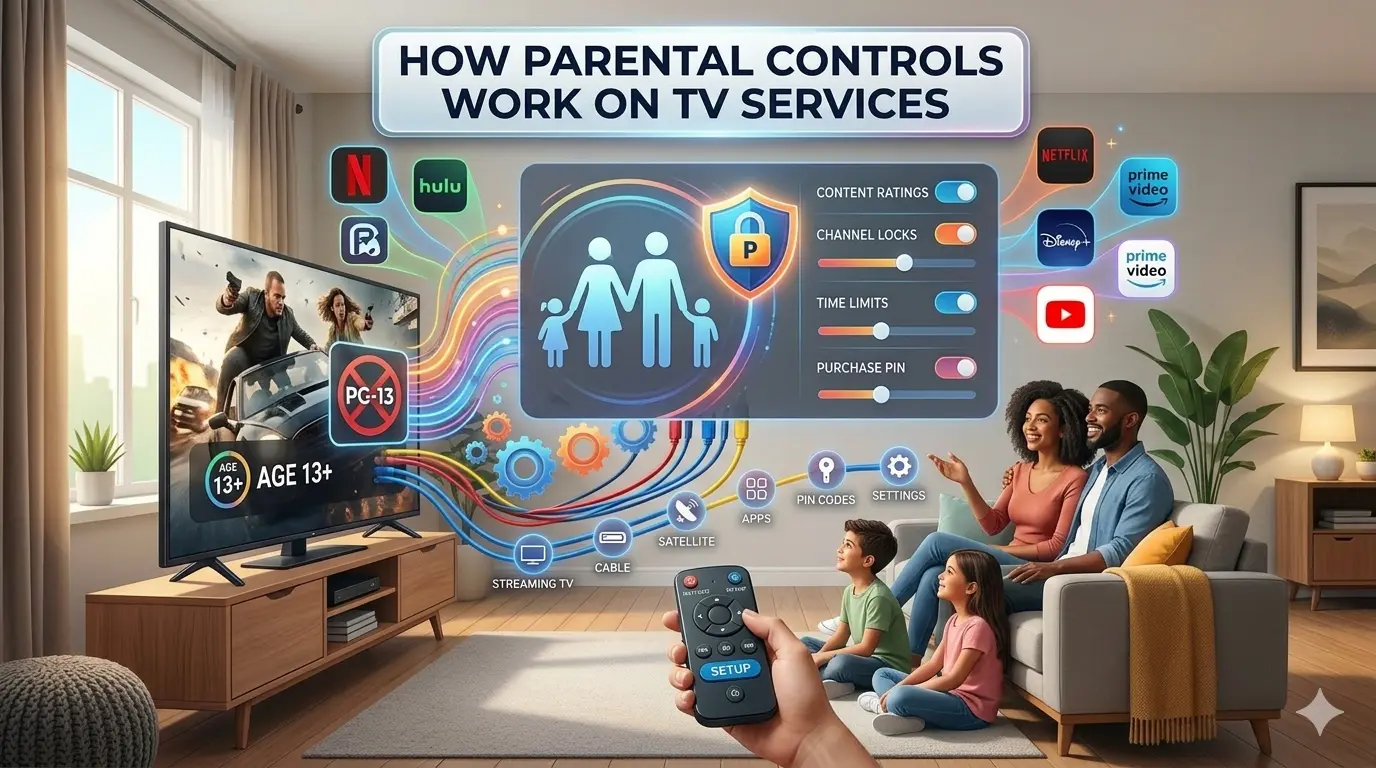
Television has evolved far beyond traditional broadcasting. Today, families access entertainment through cable TV, satellite services, streaming platforms, and Smart TVs.
While this wide range of content offers convenience and flexibility, it also raises concerns for parents who want to ensure that children watch age-appropriate programs.
This is where parental controls play a crucial role. Understanding how parental controls work on TV services helps parents manage screen time, block inappropriate content, and create a safer viewing environment at home.
Modern TV services provide multiple tools designed to give families greater control over what children can access.
From content rating filters to PIN protection systems and profile-based restrictions, parental control features have become more advanced and customizable.
This guide explains how parental controls function across different TV platforms and how families can use them effectively.
What Are Parental Controls on TV Services?
Parental controls are built-in features that allow users to restrict access to certain types of content based on age ratings, program categories, or viewing time limits.
These tools are designed to protect children from inappropriate material while allowing adults to enjoy full access.
TV parental controls typically work by:
- Blocking specific channels
- Restricting programs based on content ratings
- Limiting streaming access
- Setting screen time restrictions
- Protecting settings with a secure PIN
These features vary slightly depending on whether the service is cable, satellite, or streaming-based.
Why Parental Controls Are Important
In today’s digital entertainment environment, children can easily access a wide variety of content. Without restrictions, they may encounter programs not suitable for their age.
Learning how parental controls work on TV services helps families:
- Create age-appropriate viewing environments
- Prevent accidental access to adult content
- Manage screen time effectively
- Monitor children’s entertainment habits
Parental controls also give parents peace of mind, especially when children watch television independently.
How Parental Controls Work on Cable TV Services?
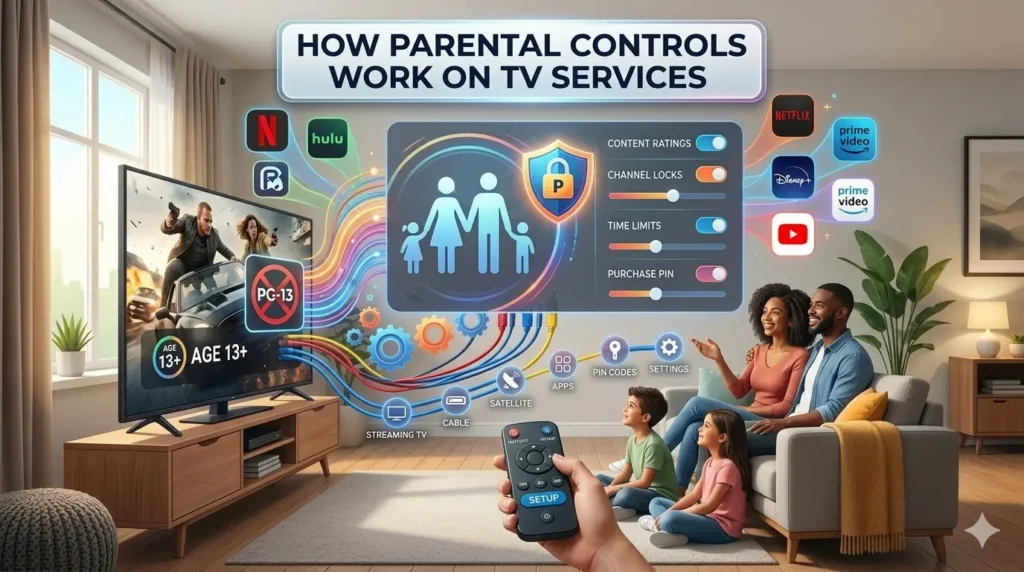
Cable TV providers typically include parental control options within their set-top boxes. These controls allow users to restrict access to specific channels or programs based on rating systems.
Content Rating Restrictions
Most cable systems use content rating categories to filter programs. Parents can block programs rated above a selected level, ensuring children cannot access mature content.
Channel Blocking
Cable services allow parents to block individual channels manually. For example, movie channels or specialty programming networks can be restricted with a PIN.
Purchase Protection
Cable TV often includes pay-per-view options. Parents can enable PIN protection to prevent children from accidentally purchasing content.
How Parental Controls Work on Satellite TV Services?
Satellite TV services operate similarly to cable TV but may offer additional customization options.
Satellite receivers allow parents to block programs by rating, category, or time of day. Some services also provide viewing history logs, allowing parents to monitor recently watched programs.
Because satellite systems operate through receiver devices, parental control settings are usually managed directly through on-screen menus.
How Parental Controls Work on Streaming TV Services?
Streaming platforms have introduced more advanced parental control systems. Understanding how parental controls work on TV services, especially streaming platforms, is important for modern households.
Profile-Based Restrictions
Streaming services allow families to create separate user profiles for each household member. Children’s profiles automatically limit content based on age settings.
PIN Protection
Parents can protect adult profiles with PIN codes to prevent children from switching profiles.
Content Filters
Streaming platforms use content rating systems and category filters to block inappropriate shows and movies.
Viewing Time Limits
Some streaming services allow parents to limit daily viewing time or restrict access during certain hours.
How Smart TVs Support Parental Controls
Smart TVs combine traditional TV and streaming features, making parental controls even more important.
Many Smart TVs include:
- App access restrictions
- Channel locks
- Internet browser limitations
- Device-level PIN protection
Parents can manage settings directly from the TV’s system menu to block access to specific apps or services.
Step-by-Step Guide to Setting Up Parental Controls
Setting up parental controls on TV services may seem technical at first, but most platforms provide simple and user-friendly options.
Whether you are using cable TV, satellite service, streaming apps, or a Smart TV, the basic process follows a similar structure.
The key is to apply restrictions properly and secure them with a PIN so children cannot change the settings.
Follow the detailed steps below to set up parental controls effectively.
Step 1: Access the Main Settings Menu
Begin by turning on your TV and navigating to the main settings menu.
- For cable or satellite TV, open the settings through the set-top box remote.
- For streaming platforms, go to account or profile settings.
- On Smart TVs, open system settings and look for “Security,” “Family Settings,” or “Parental Controls.”
Take your time to explore the menu options. Most TV services clearly label parental control features to make them easy to locate.
Step 2: Locate the Parental Control or Content Restriction Section
Inside the settings menu, find the section labeled:
- Parental Controls
- Content Restrictions
- Family Controls
- Viewing Restrictions
Each platform may use slightly different wording, but the purpose remains the same — controlling what content can be accessed.
Selecting this section will open a panel where you can adjust restrictions based on ratings, channels, or profiles.
Step 3: Create or Set a Secure PIN Code
Before applying any restrictions, you will usually be asked to create a PIN code. This PIN prevents unauthorized users from changing parental control settings.
Choose a PIN that is:
- Easy for you to remember
- Difficult for children to guess
- Not related to birthdays or simple number patterns
Avoid sharing the PIN with children. If necessary, update it periodically for added security.
Step 4: Set Content Rating Limits
Most TV services allow you to restrict programs based on content rating systems. For example, you can block content above a specific age rating.
You may see rating categories such as:
- General audience
- Parental guidance suggested
- Teen
- Mature or adult content
Select the maximum rating appropriate for your household. Any content above that rating will automatically require a PIN to access.
This is one of the most effective ways to filter inappropriate material.
Step 5: Block Specific Channels or Apps
In addition to rating restrictions, many TV services allow manual blocking of:
- Individual TV channels
- Streaming apps
- Pay-per-view services
- On-demand content libraries
If there are specific channels or apps you do not want children to access, block them directly. This adds another layer of protection beyond rating filters.
For Smart TVs, you may also restrict access to app downloads or internet browsers.
Step 6: Enable Purchase Protection
Many cable and satellite services allow content purchases such as movies or special events. To prevent accidental purchases, enable purchase protection using your PIN.
This ensures that children cannot buy content without approval. It also helps prevent unexpected charges on monthly bills.
Step 7: Create Child Profiles (For Streaming Services)
Streaming platforms usually offer profile-based controls. Creating a separate child profile automatically limits content according to age settings.
Child profiles often:
- Display only age-appropriate content
- Hide mature categories
- Disable certain search functions
- Limit recommendations
This approach is especially effective for families using multiple streaming services.
Step 8: Set Viewing Time Limits (If Available)
Some modern TV services allow time-based restrictions. Parents can limit:
- Total daily screen time
- Access during late-night hours
- Weekend-only viewing
Setting time restrictions encourages healthy viewing habits and reduces excessive screen exposure.
Step 9: Save and Test All Settings
After applying restrictions, save your settings and test them.
Try opening a restricted channel or program to confirm that the PIN prompt appears correctly.
Testing ensures that parental controls are functioning as intended and gives you peace of mind that children cannot bypass restrictions easily.
Step 10: Review and Update Settings Regularly
Children grow, and content preferences change over time. Reviewing parental control settings every few months ensures they remain appropriate.
Update rating levels as needed and adjust restrictions according to age and maturity. Regular monitoring keeps the system effective and relevant.
Common Mistakes Parents Make with TV Parental Controls
Some parents set restrictions but forget to protect settings with a PIN, allowing children to change them. Others rely only on content rating filters without reviewing app-level restrictions.
Regularly reviewing parental control settings helps ensure continued protection as children grow and content libraries expand.
Benefits of Using Parental Controls on TV Services
Using parental controls provides several advantages:
- Promotes safe viewing environments
- Reduces exposure to inappropriate material
- Encourages healthy screen time habits
- Provides structured entertainment routines
Parents can customize viewing experiences without completely limiting access to entertainment.
Challenges of Parental Controls
Although parental controls are helpful, they are not perfect. Some content may not be rated accurately, and tech-savvy children may attempt to bypass restrictions.
Combining parental controls with open communication about responsible viewing habits creates stronger protection.
How Parental Controls Improve Digital Parenting
Understanding how parental controls work on TV services empowers parents to take an active role in digital entertainment management. Instead of banning television entirely, parents can guide viewing choices responsibly.
Digital parenting today involves balancing safety, freedom, and supervision. Parental controls provide technical support for this balance.
Future Trends in TV Parental Control Technology
Modern TV services are developing smarter parental control systems that use artificial intelligence to recommend age-appropriate content automatically.
Voice recognition, biometric authentication, and personalized content filtering may become more common in future TV systems.
These advancements will likely make parental control systems more secure and user-friendly.
Conclusion
Understanding how parental controls work with TV services is essential for families seeking to create safe, balanced entertainment environments, whether using cable TV, satellite services, streaming platforms, or Smart TVs.
By setting up proper restrictions, creating secure PINs, and reviewing settings regularly, parents can protect children from inappropriate material while maintaining enjoyable television experiences.
As television technology continues to evolve, parental controls will remain a key feature in responsible digital parenting.
With thoughtful setup and regular monitoring, families can enjoy modern entertainment while ensuring content safety for all age groups.
Frequently Asked Questions
Q. Are parental controls available on all TV services?
Ans: Most cable, satellite, and streaming services include parental control features, though functionality varies.
Q. Can children bypass parental controls?
Ans: If not protected with a secure PIN, children may bypass restrictions. Regular monitoring is recommended.
Q. Do streaming platforms offer better parental controls than cable?
Ans: Streaming platforms often provide more advanced profile-based controls and time restrictions.
Q. Should parents rely only on parental controls?
Ans: Parental controls are helpful tools, but should be combined with supervision and communication.
Read Also:
How to Improve TV Picture and Sound Quality
How to Fix Common TV Signal Problems?
Best TV Services for Sports Lovers